Report Overview
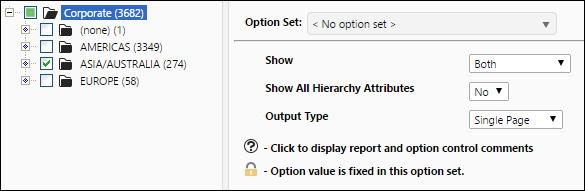
Use the Resource Audit Trail report to generate a series of tables that display information about change records and the load records created for each one of the reserve documents you select from your hierarchy. Use the report options to display only loaded records (change records corresponding with data loads), change records (change records created using Reserves), or both. Two tables will be created for each reservoir you select. The loaded records table will display a time-stamped summary of your product balances, categorized by the reserve category they belong to, at the time data was last loaded for the object. The change record tables will display all of the change records created for the reserve, along with product balances, comments associated with each change, the approval state of the change, and the user who created the change.
Example Report
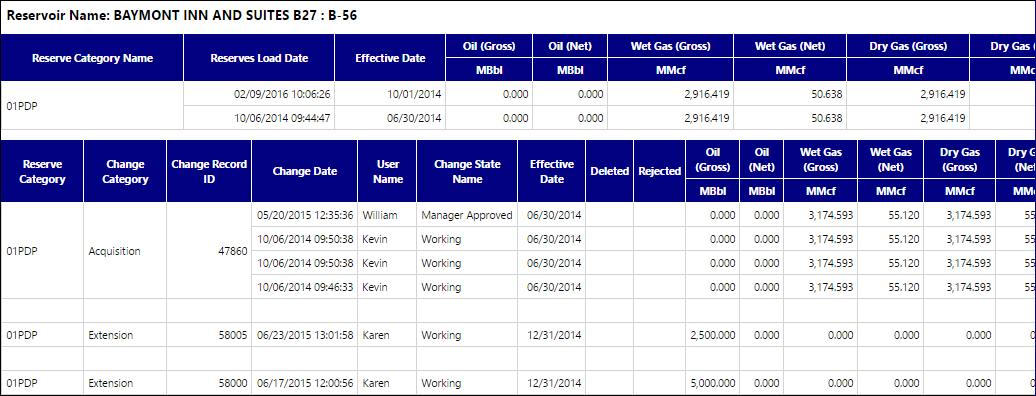
Click image to expand or minimize.
Report Options