Report Overview
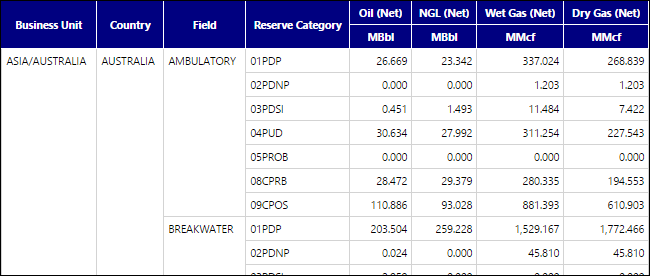
Use the Oneline Current Balance Report to create a table that will list aggregate product balances for all of the objects you select to run the report at a specified date (snapshot). Product balances will be categorized by the reserve categories and product types included in the Reserve Category Group and Product Group you select to run the report. The table generated by this report will show:
- The aggregate balances (per product) for all of the reserves you select from your hierarchy, categorized by reserve category.
- Use the Total Position option to change the position of subtotaled values.
Example Report
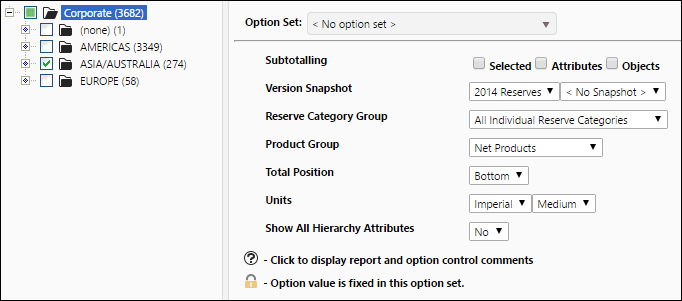
Report Options